Google’s Guided Vision brings spoken camera assistance to Gemini Live
Guided Vision helps blind and low-vision users read small text, identify objects and ask follow-up questions through Gemini Live, with limits on safety-related use.

Google is bringing Guided Vision to Gemini Live on compatible Android devices, giving users spoken descriptions of what their phone’s camera sees. The accessibility feature can help with small print, nearby objects and questions about a user’s surroundings.
The Verge reports that the launch takes place on October 1, 2026, following an announcement in a recent round of Pixel updates.
Camera views become spoken descriptions
Guided Vision works by sharing the phone’s camera with Gemini Live. Google’s AI then provides real-time audio descriptions of the scene, whether the user wants help locating an object, identifying something nearby or hearing more about a particular item.
Reading small text is another supported task. Rather than only describing an object’s appearance, the feature can help users access written details that may be difficult to see.
It is intended for people who are blind or have low vision, as well as those who need visual assistance in a particular situation. The Verge compares its purpose with Apple’s VoiceOver Live Recognition feature on the iPhone and Vision Pro.
Follow-up questions and camera guidance
The interaction does not have to end with an initial description. Users can ask Gemini additional questions about what they are looking at. For example, after the assistant helps locate an item, a user can ask it to read that item’s expiration date.
Google also says Gemini can provide audio prompts to help users aim their camera when the object they are asking about is outside the frame. That adds guidance for getting the relevant subject into view, alongside the descriptions themselves.
Beyond the Gemini app, Guided Vision is available through Google TalkBack. Users can also configure an accessibility shortcut in the Settings app on devices running Android 9 or later. The Gemini Live launch is limited to compatible Android devices.
Not a replacement for mobility aids
Google draws an explicit boundary around the feature’s intended use. Users should not depend on Guided Vision for navigation, advice on traveling safely or detecting obstacles.
The company also cautions that it is not a substitute for a cane or another mobility aid. Its assistance with text and object descriptions should therefore be kept distinct from tools people rely on to move safely through their surroundings.
More from the desk

Huawei Mate 90 debuts with upgraded XMAGE portrait features
Huawei’s Mate 90 introduces four True-to-Color portrait modes and multispectral imaging upgrades, with reported gains in color and skin-tone accuracy.

Huawei Mate 90 Pro Max Collector's Edition supports Ruiying Z10 camera
Huawei says its Ruiying Z10 modular camera can surpass DSLR capabilities. The accessory supports the Mate 90 Pro Max Collector's Edition and Mate 90 RS Ultimate.
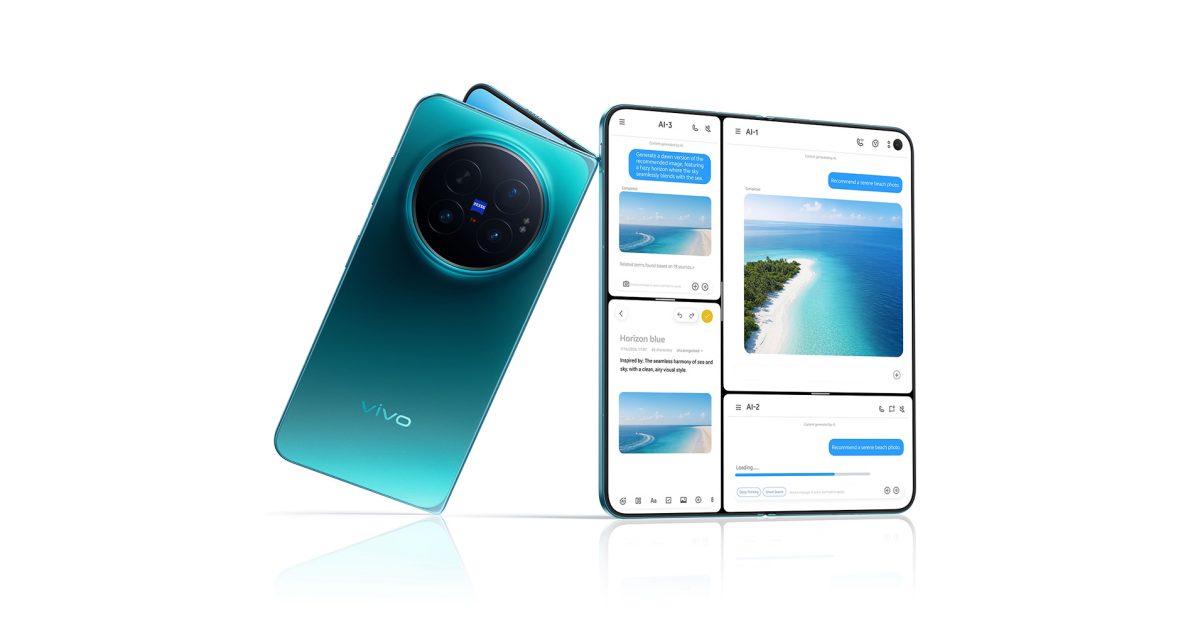
Vivo X Fold 6 confirmed for global launch with 200MP main camera
Vivo’s X Fold 6 pairs a 200MP main camera with a 6,900mAh battery and an 8.02-inch folding display. A global debut is confirmed, though a US release is not expected.